
Before installation make sure you have an USB AMBE3000 stick!! To transmit, you need an QX-18 microphone!
Download and install the Raspberry PI imager: https://www.raspberrypi.com/software/
Make sure you have a 16Gb SDCard. 8 Gb is not sufficient.
Start the Raspberry PI imager and select your PI model ( Raspberry 3 or newer )
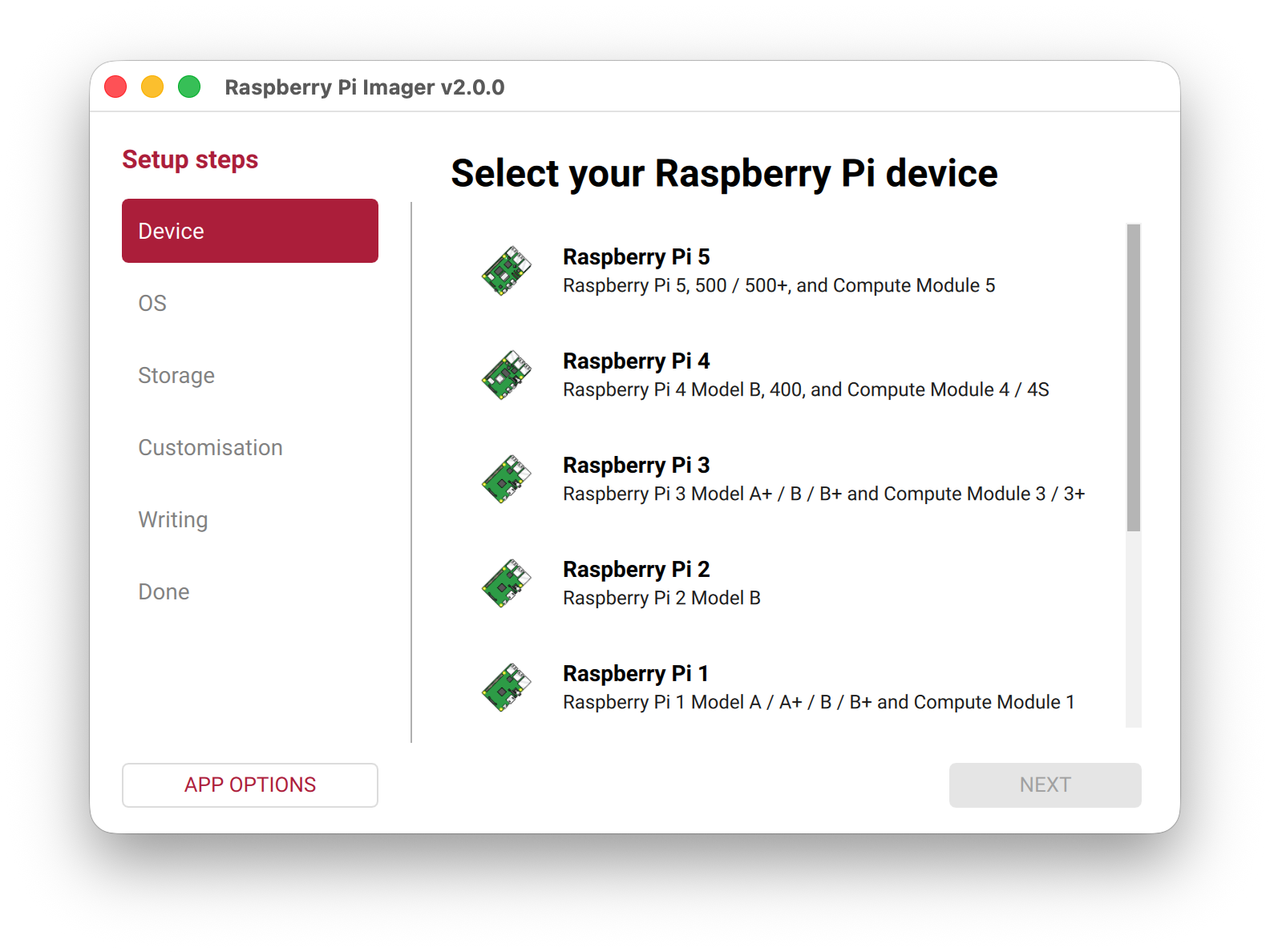
Select Raspberry Pi OS (Other)
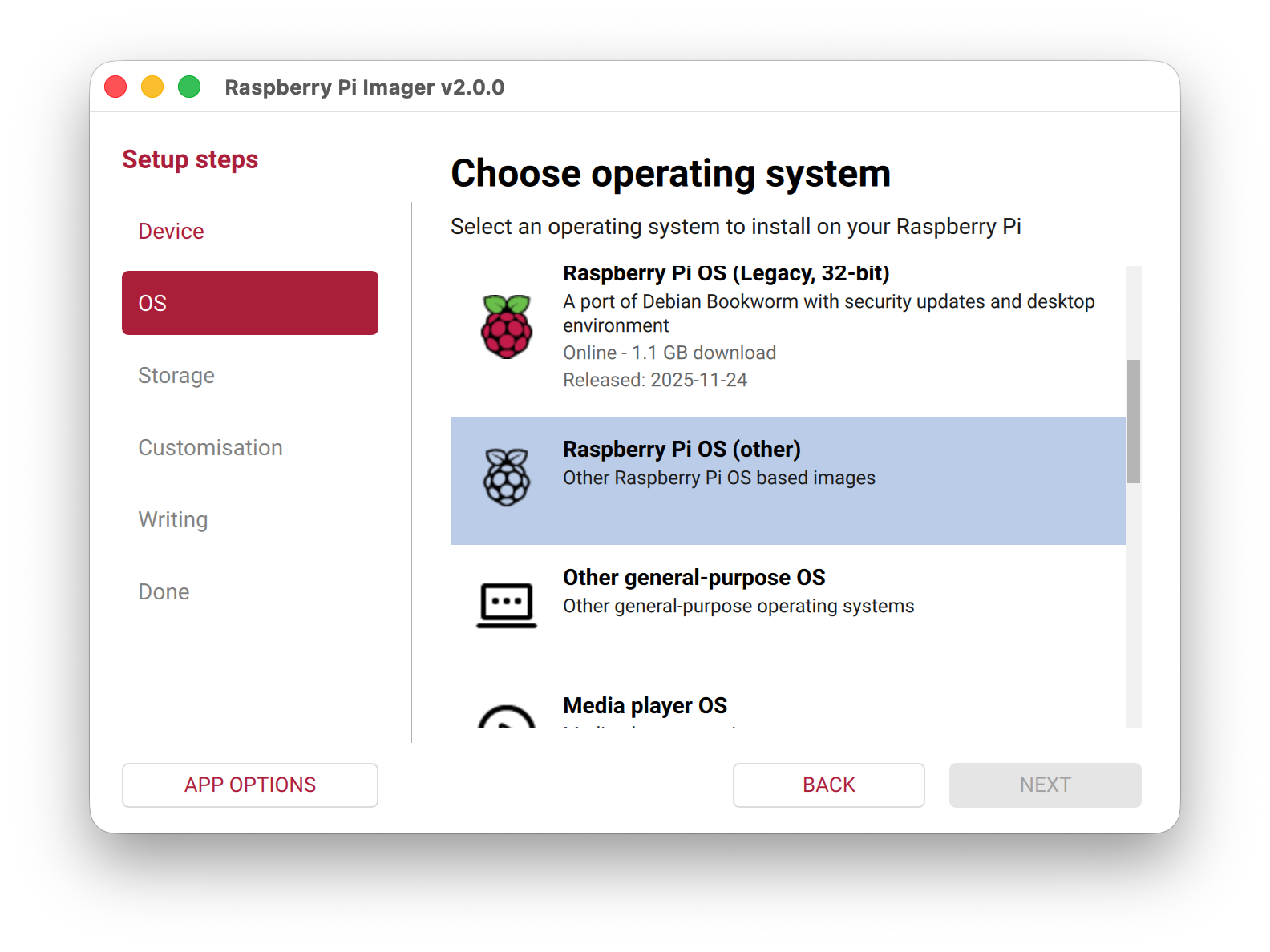
Select Raspberry Pi OS Lite (64-Bit) and press Next
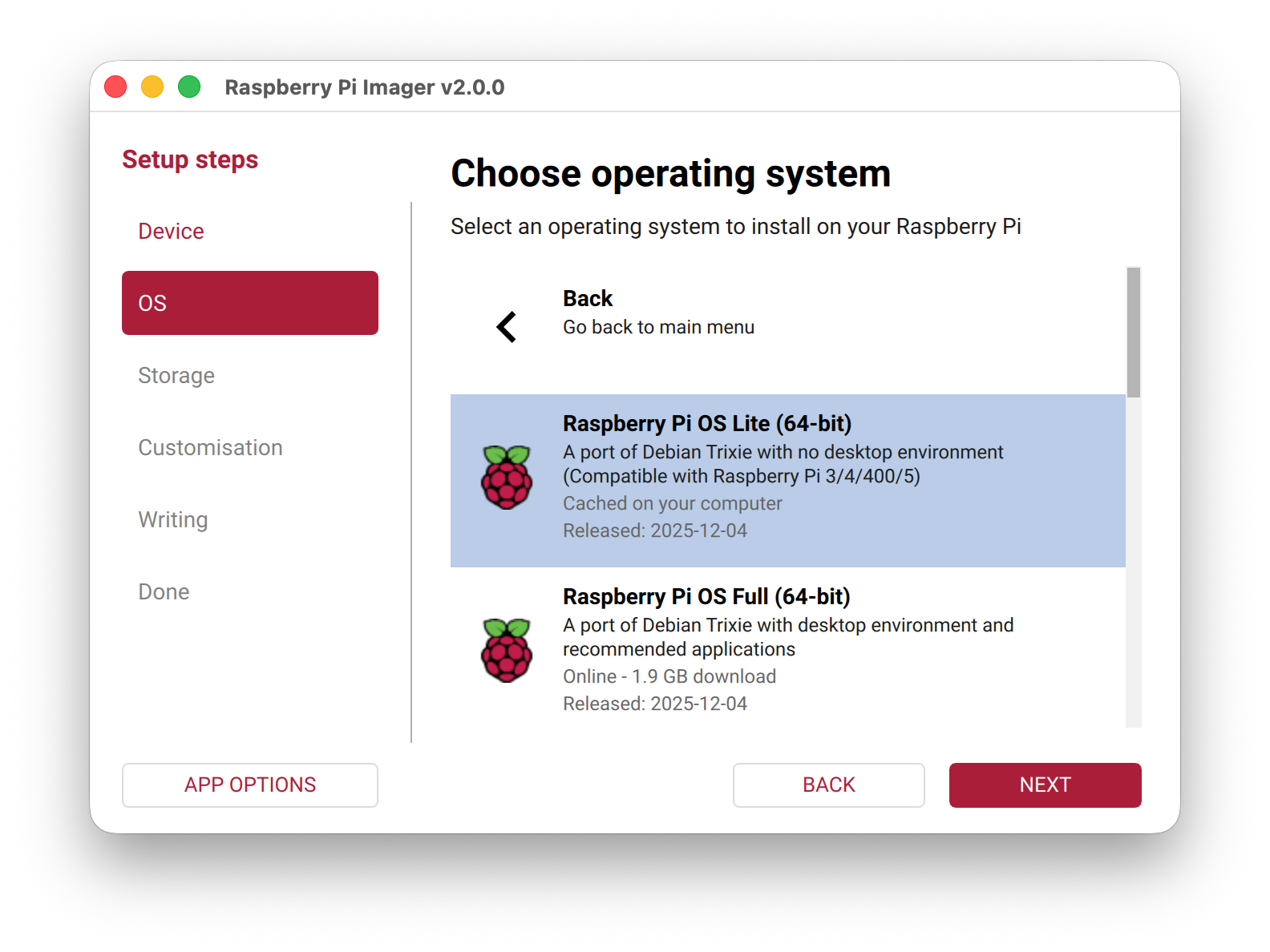
Select the correct SDCard. In my case, the 64GB.
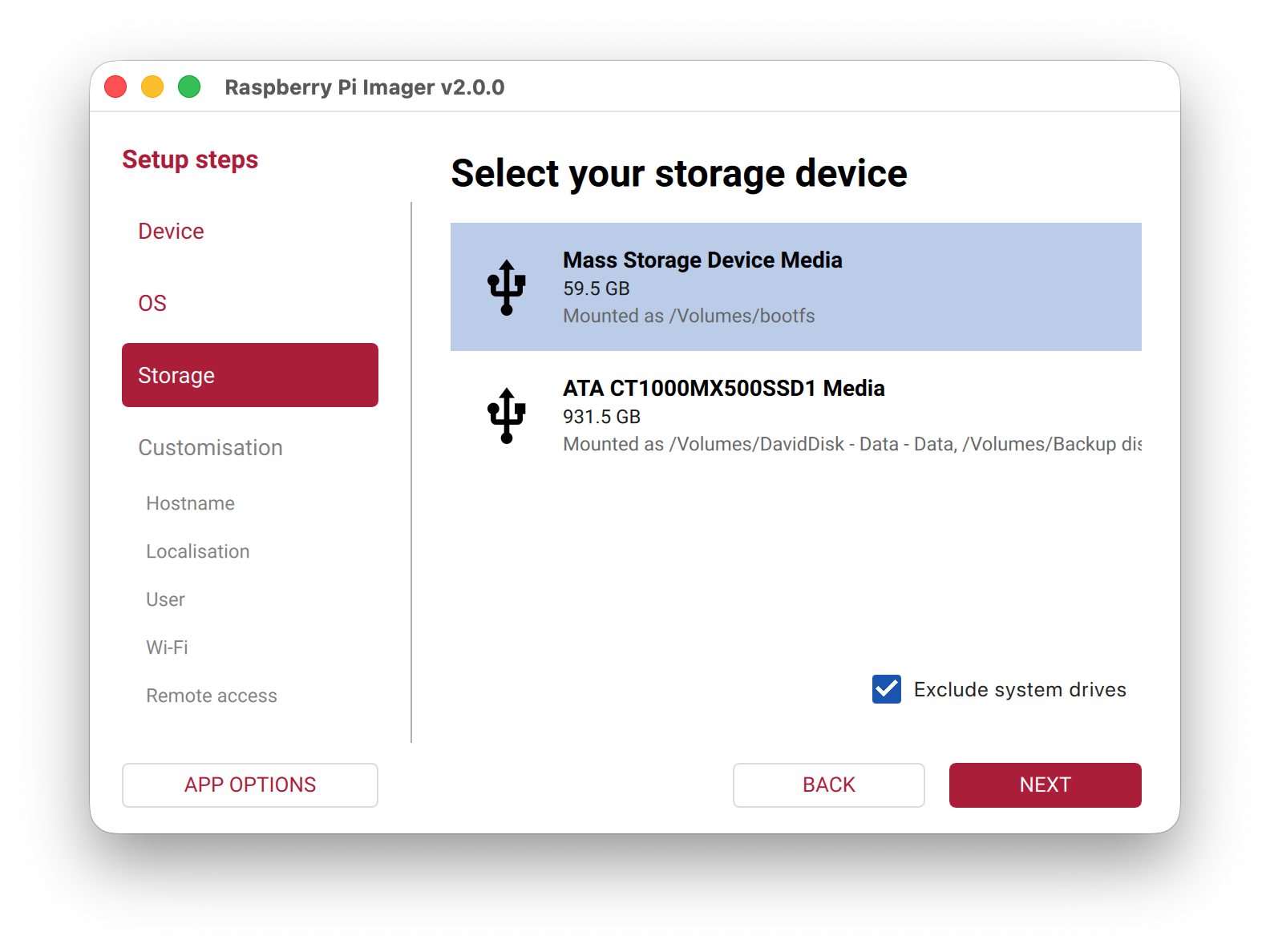
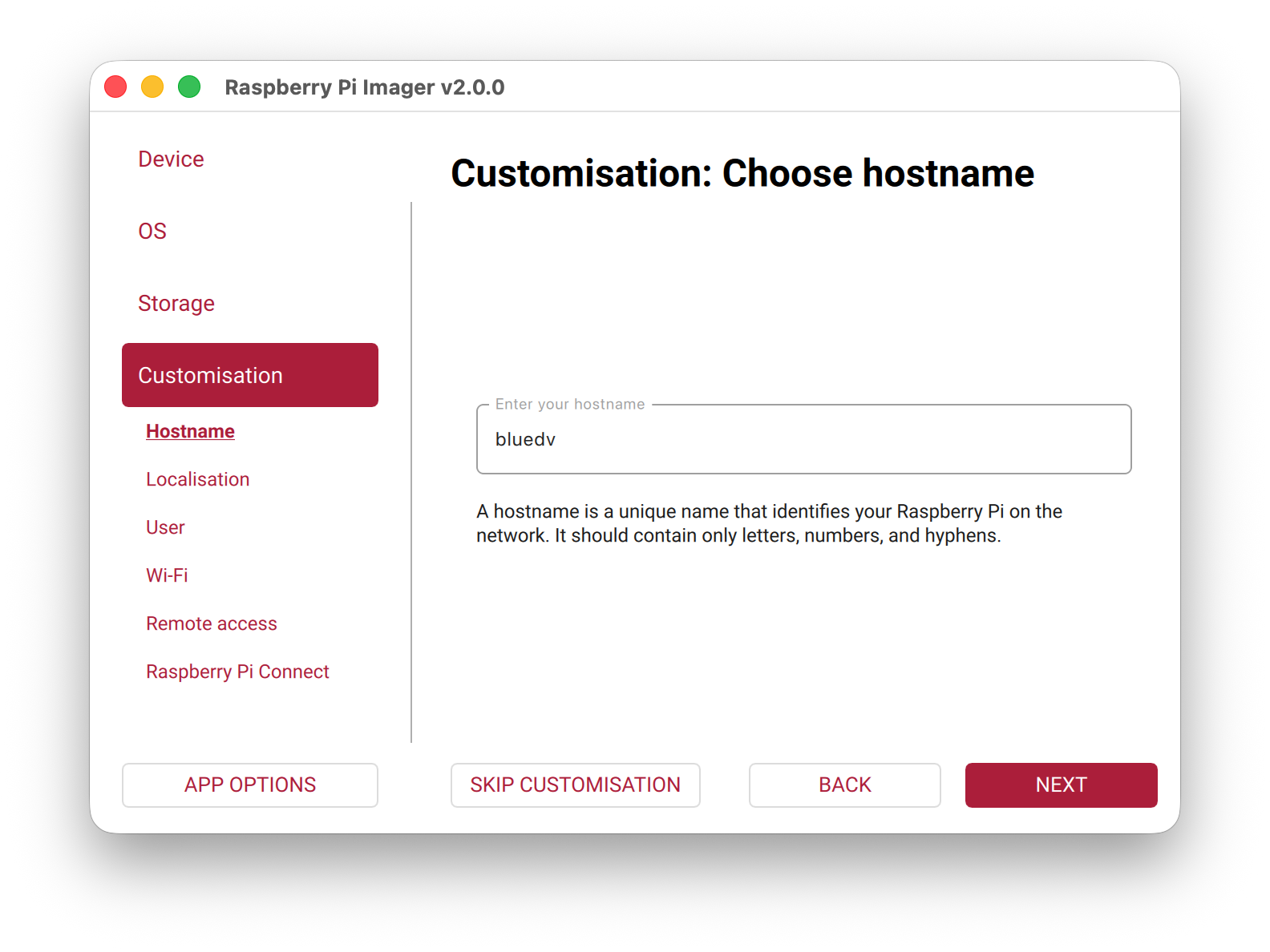
Make sure you type bluedv as hostname!!
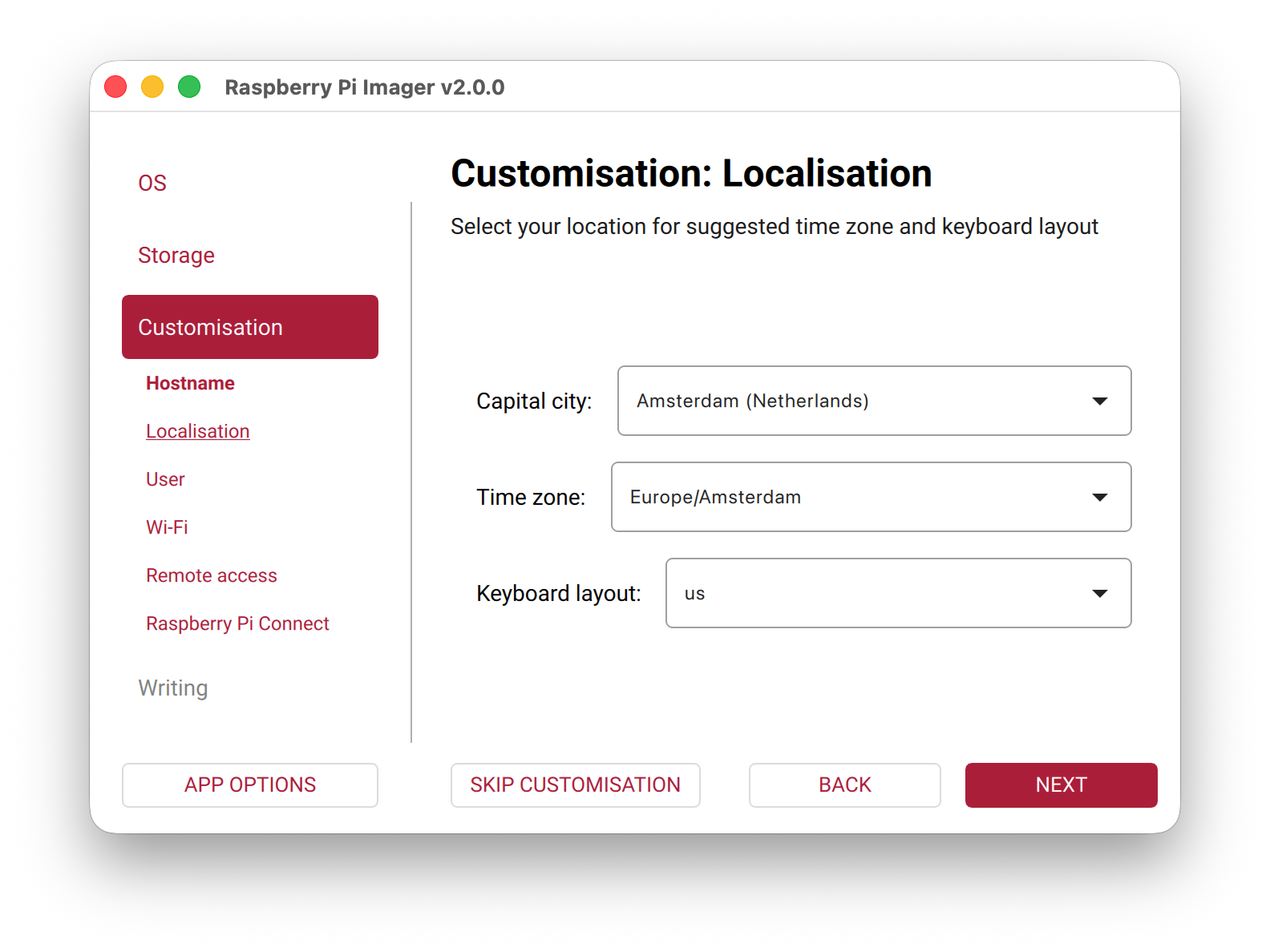
Select your own timezone
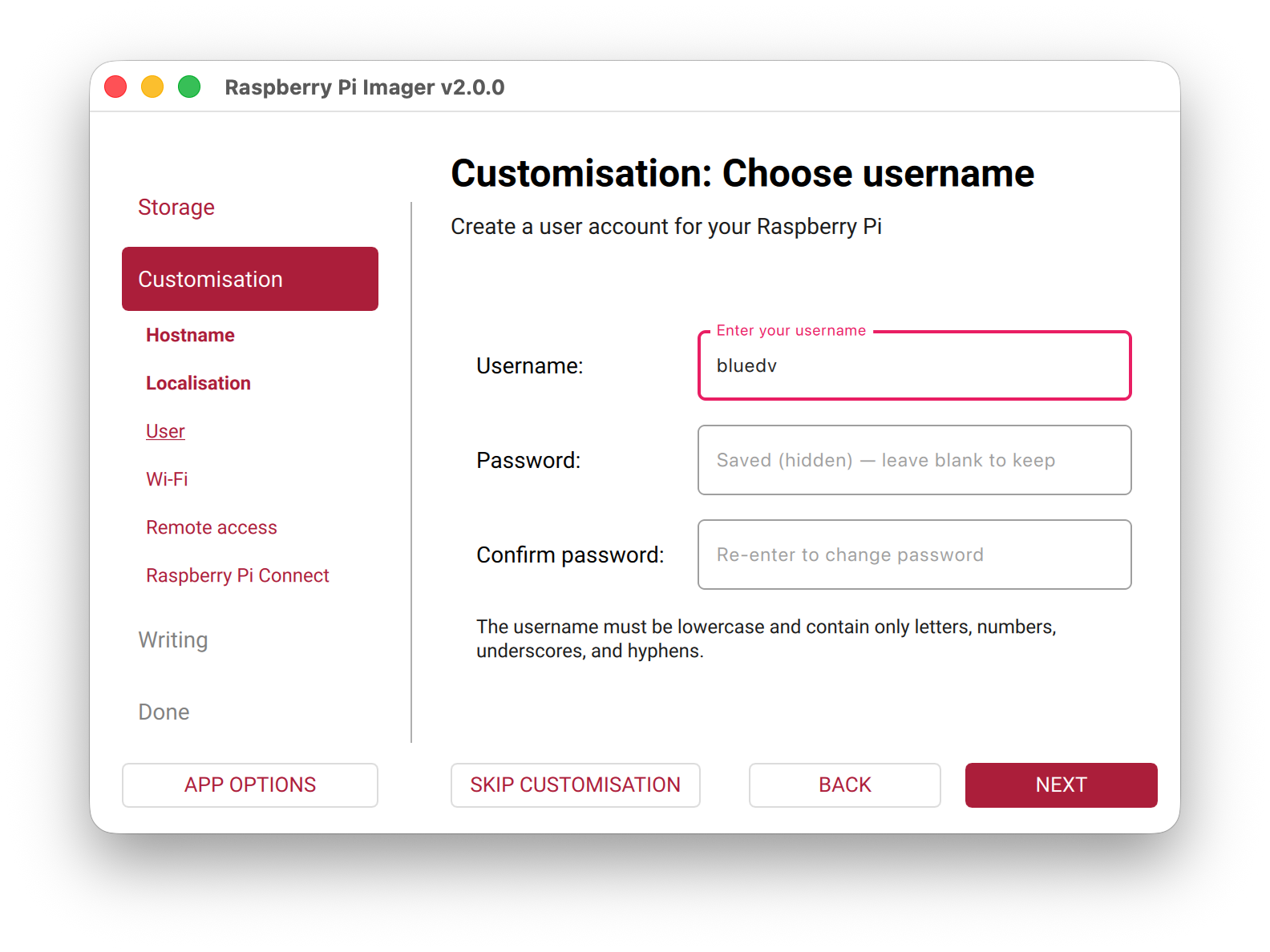
Create a user bluedv and set a password. Do not use other usernames!
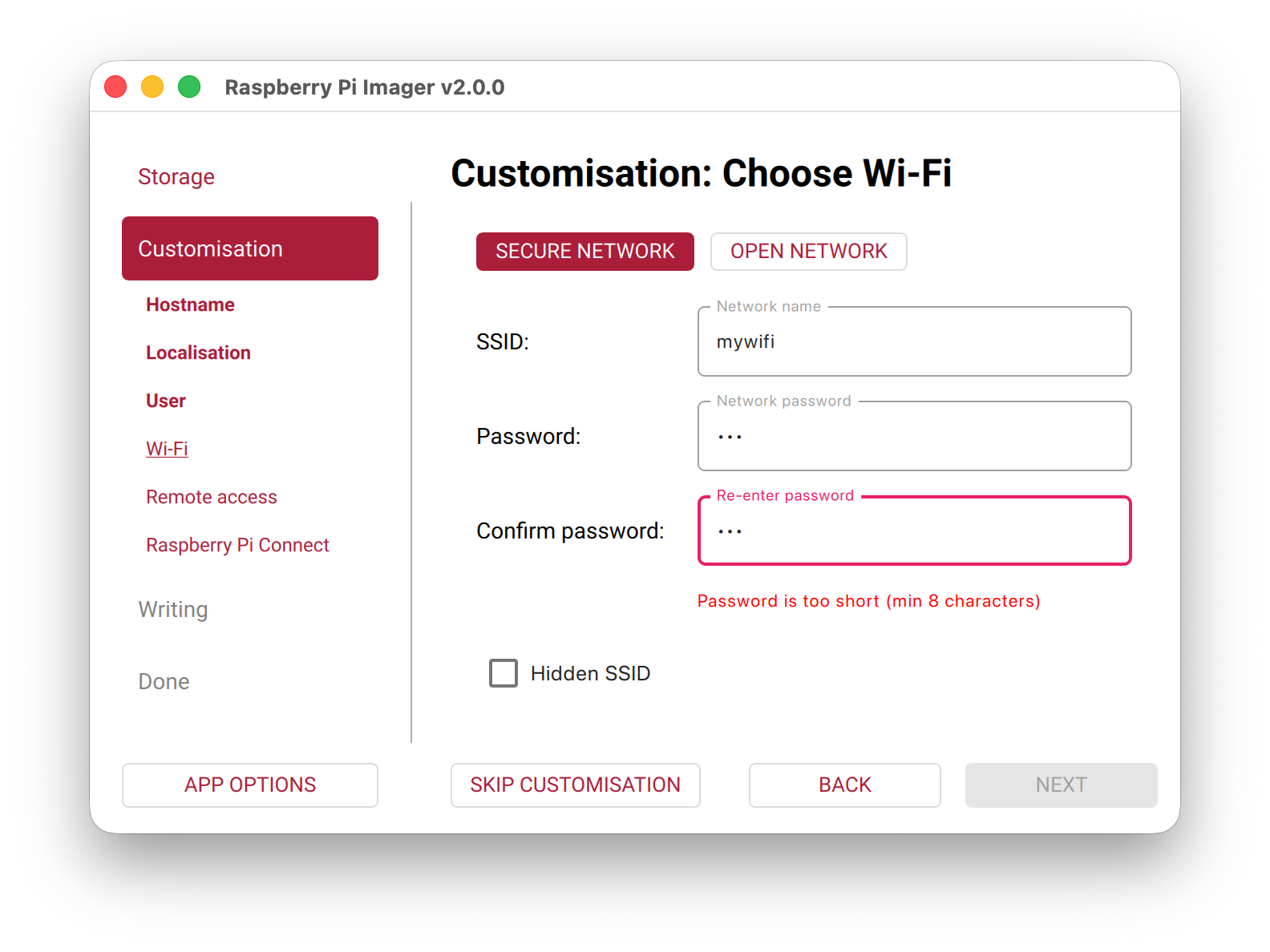
You can connect to WiFi. I really prefer cable connection. I also have a lot of issues logging in with ssh when WiFi is connected. Possible bug?
Make sure you enable SSH and use password authentication.
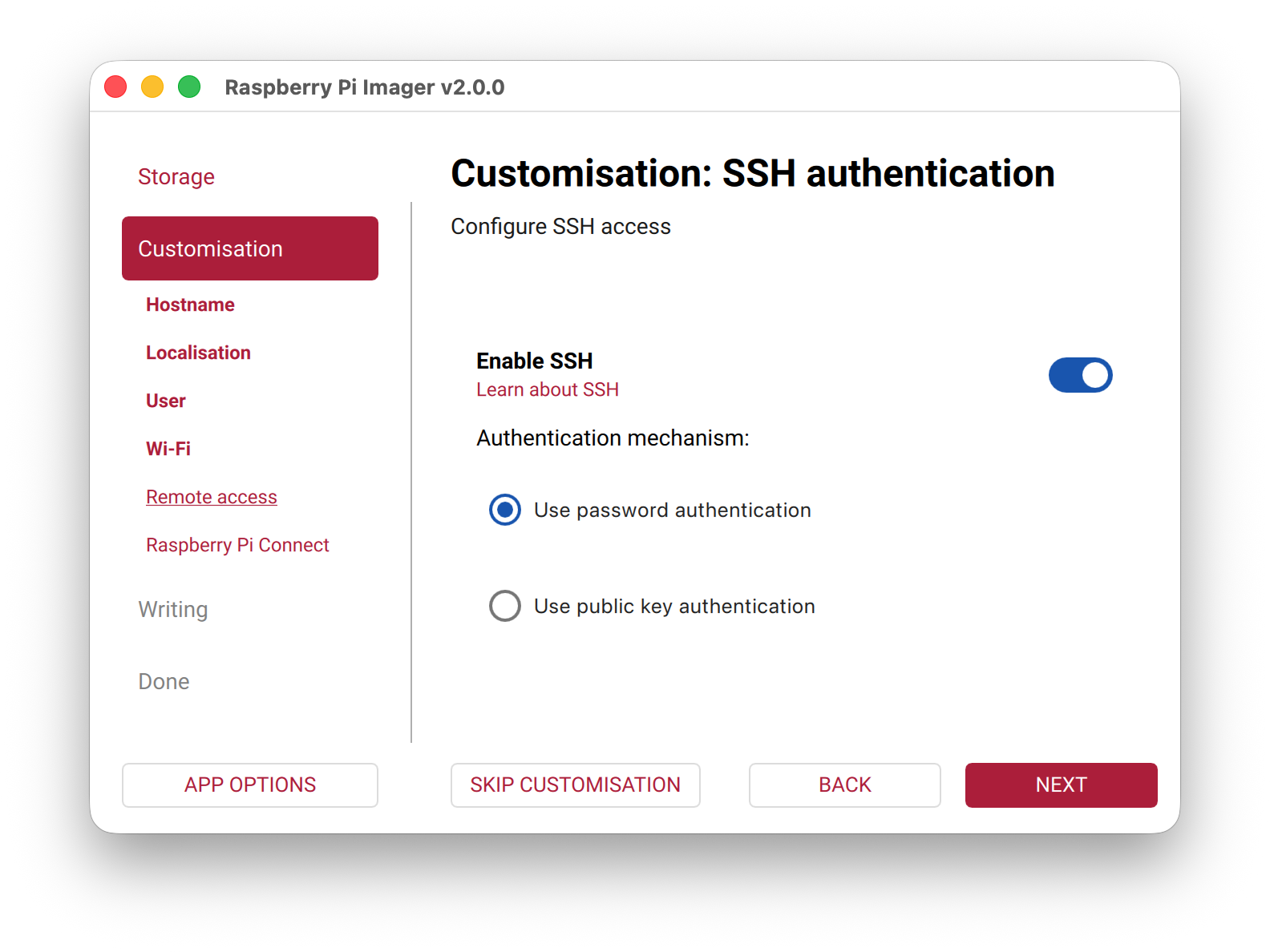
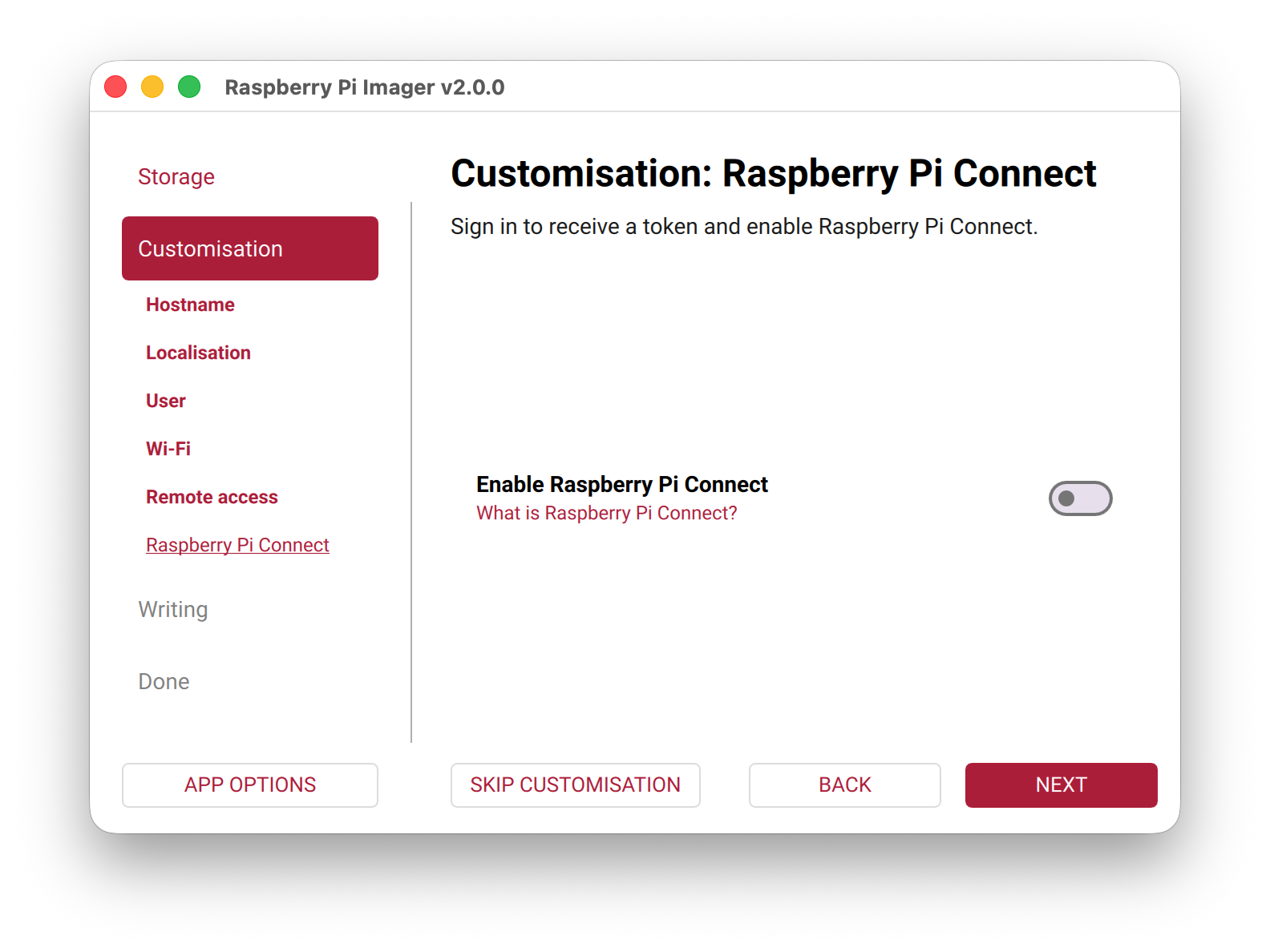
Do not enable Raspberry PI Connect
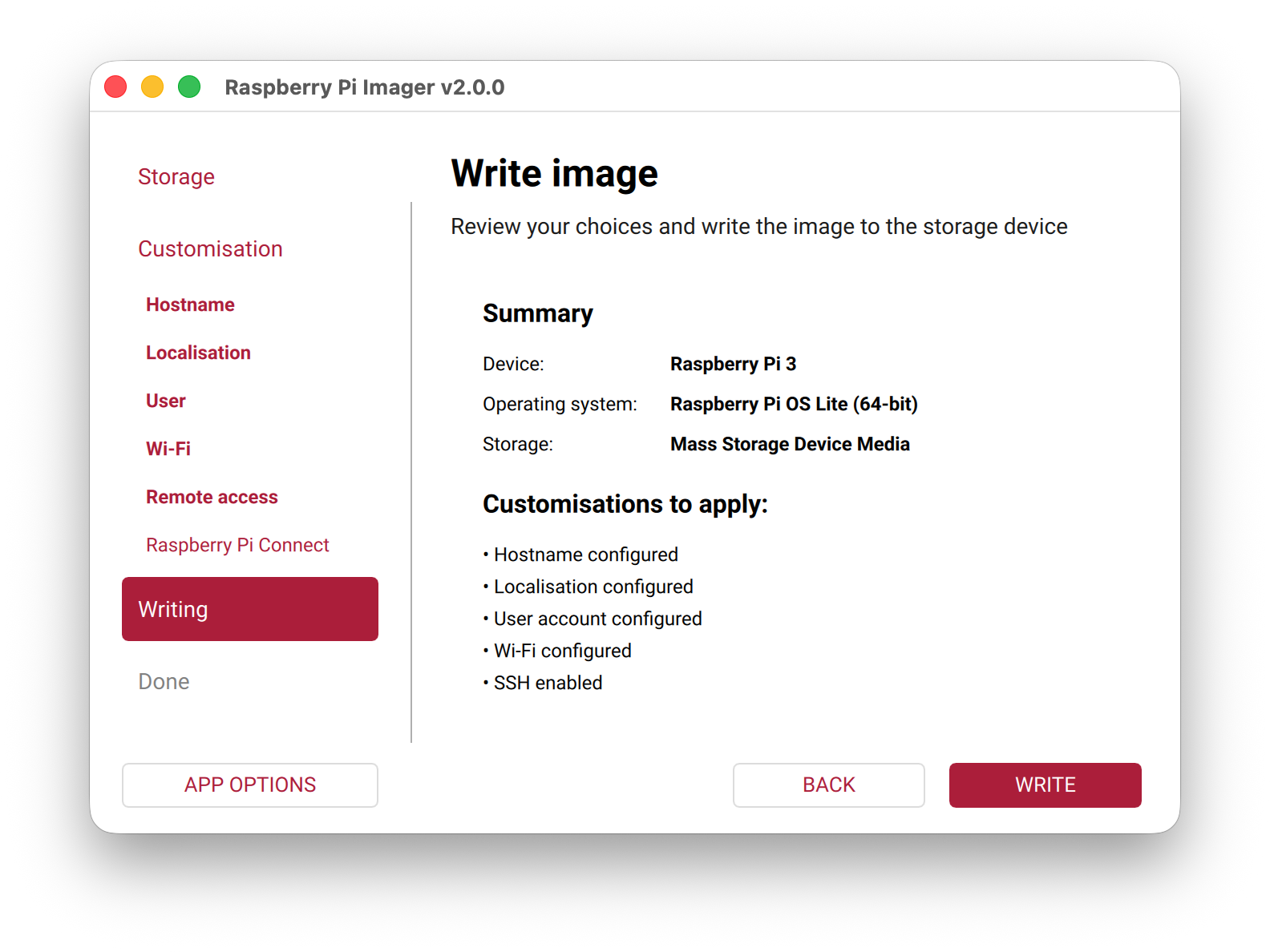
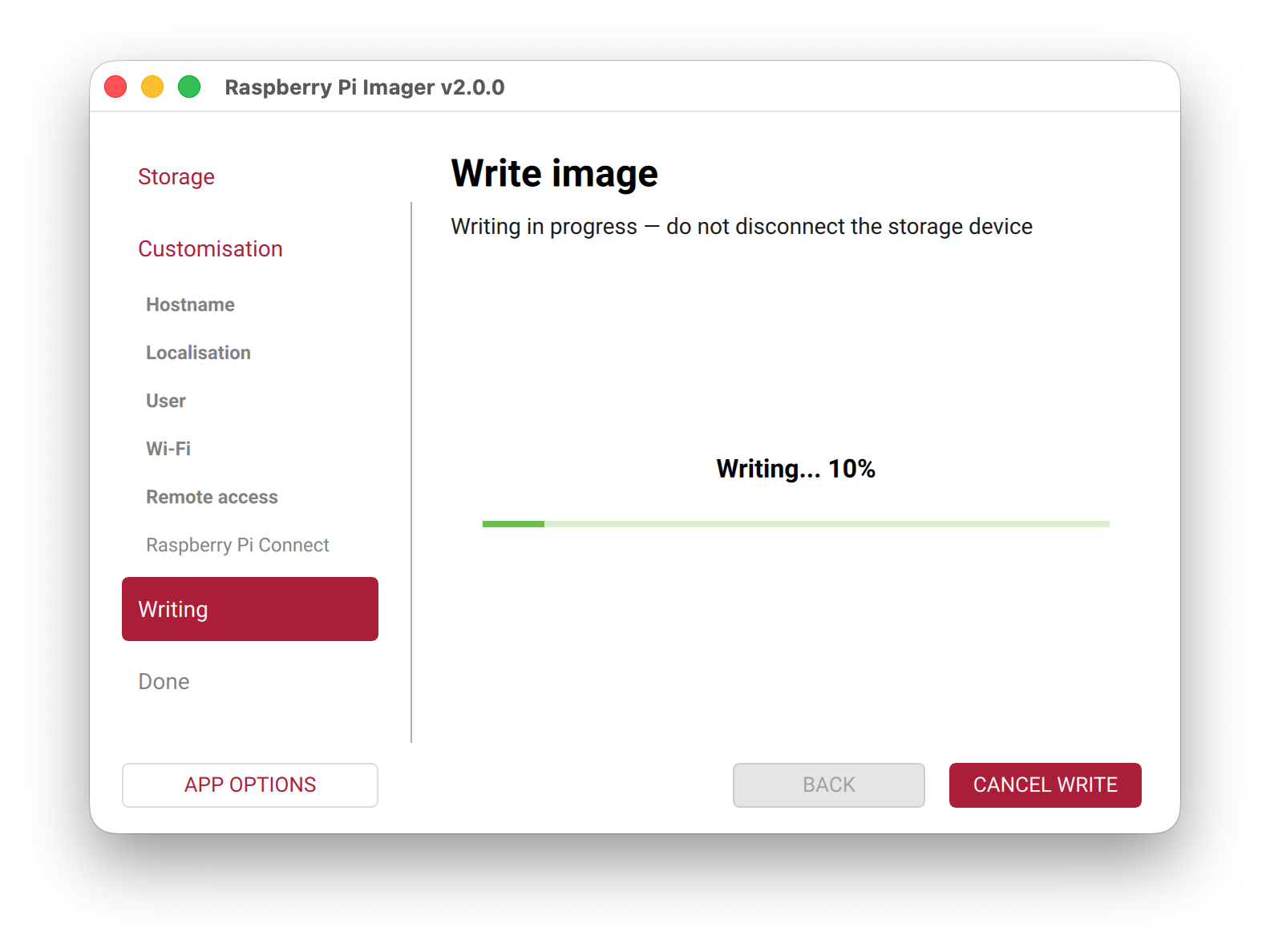
Press write
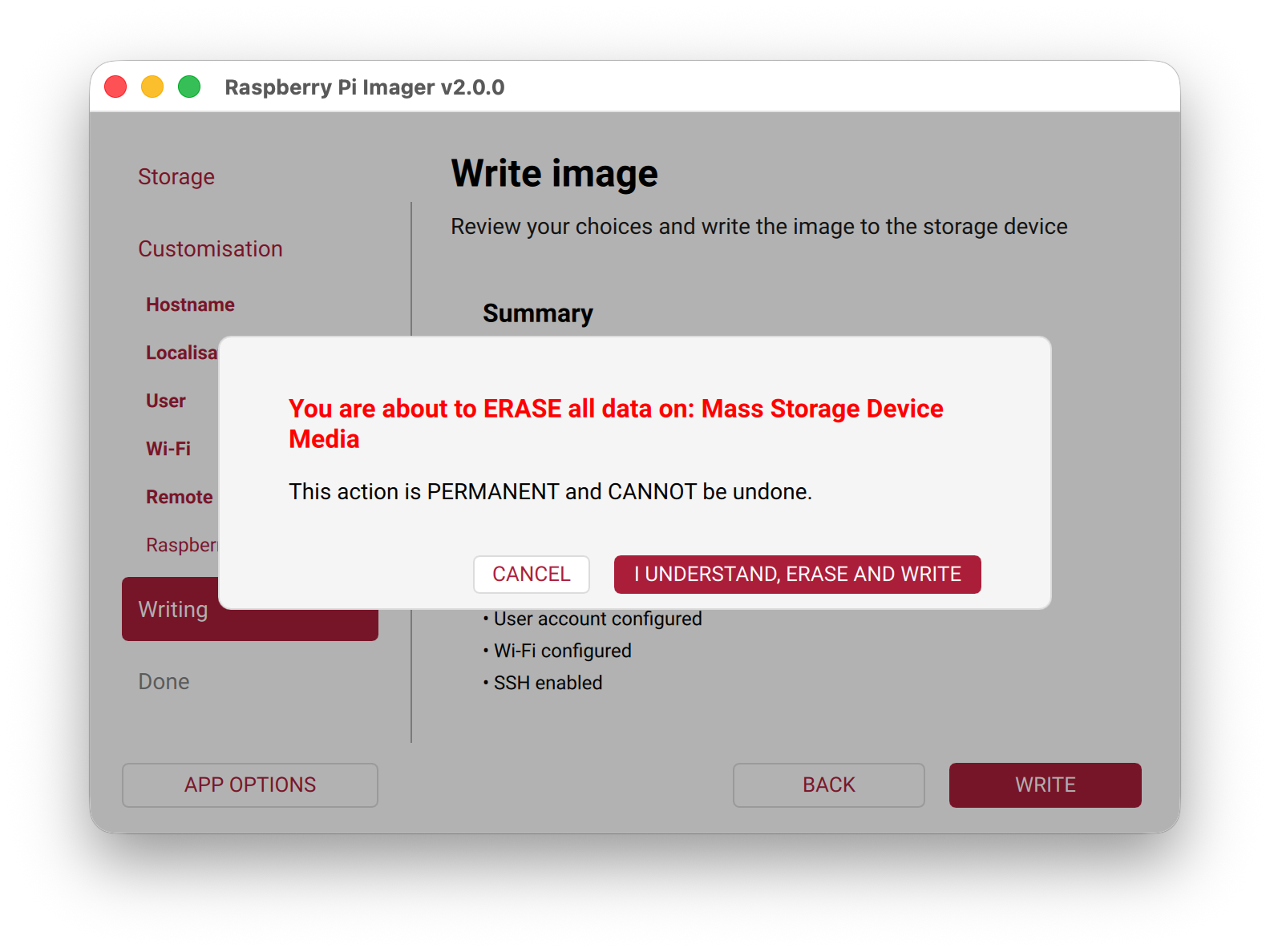
Now wait.. Get some coffee or make a donation.
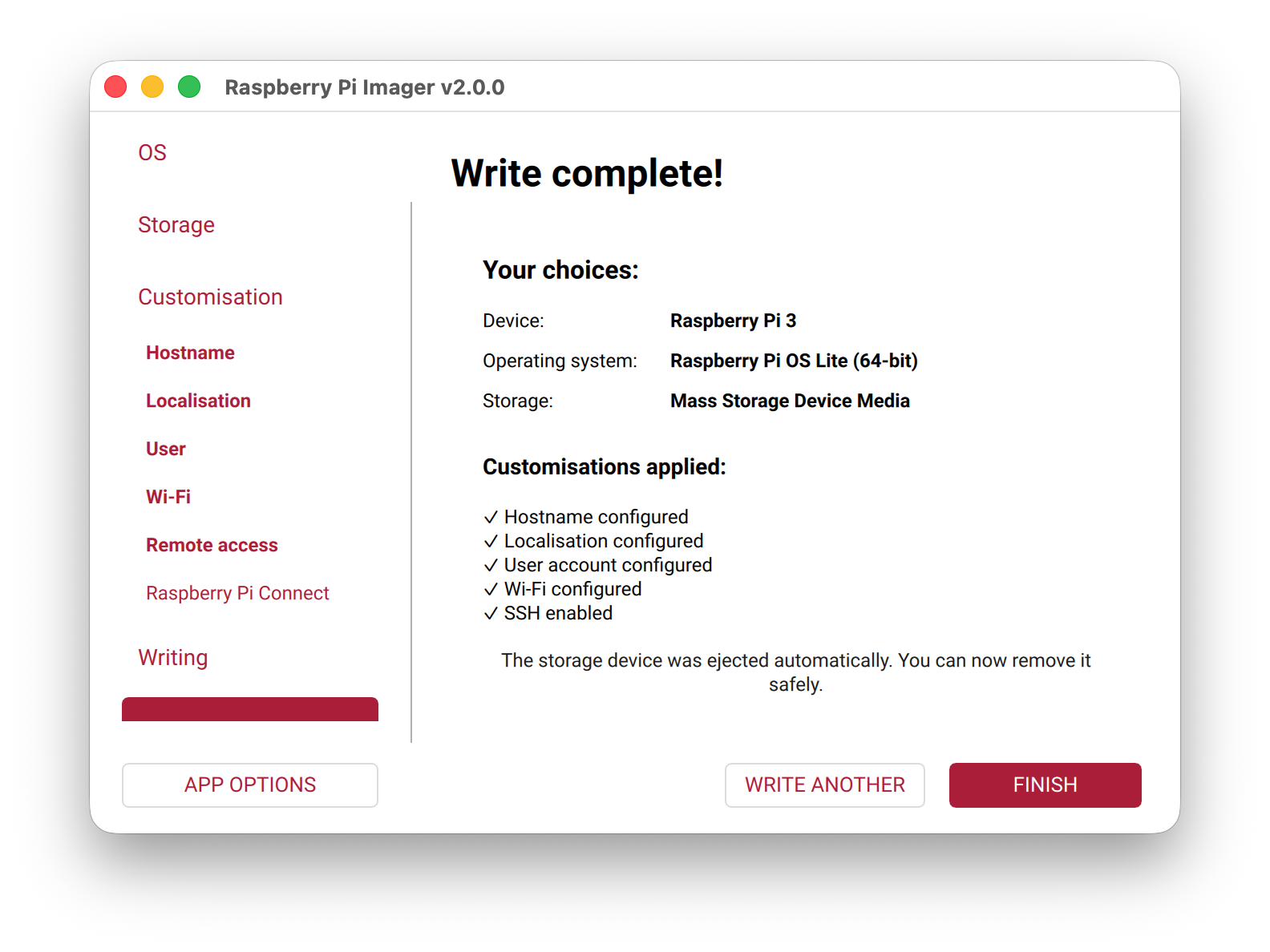
Finished 🙂
Put the SDCARD, Microphone(optional), USB speakers and AMBE3000 stick in your Raspberry PI and power the PI. ( Connect the ethernet card if you do not want to use WiFi )
If you do not insert the AMBE3000, the installation will fail!!
Now wait 5 minutes to boot.
After 5 minutes, try to ping bluedv.local from your workstation. If this fails, you have made a mistake in the Raspberry PI configuration above.
The ping should look like this:
ping bluedv.local

PING bluedv.local (192.168.1.10): 56 data bytes
64 bytes from 192.168.1.10: icmp_seq=0 ttl=64 time=99.155 ms
64 bytes from 192.168.1.10: icmp_seq=1 ttl=64 time=6.029 ms
Login with your favourite ssh client (e.g. putty) to the raspberry PI. Username bluedv and password bluedv(see above). Now, install the software.
bash -c 'curl -fsSL https://software.pa7lim.nl/BlueDV-Radio/install_script.sh | bash'After installation. edit the /usr/local/bluedv/config.ini and change your call at the bottom of the file. If you have no idea how to do this, please consult someone who can do this for you.
[GENERAL]
call = PA7LIM
Make your AMBE and QX-18 microphone(if you have one) is connected to the raspberry PI and restart your raspberry PI
From another PC ( Windows, Linux, Mac, etc ) open a browser and go to this site. You will see the BlueDV radio login page.
default login:
User: bluedv
Password: bluedv
http://bluedv.local:8080Greets,
David PA7LIM