Ever wanted to build your own Digital Voice radio?
With BlueDV Radio, it’s easier than you might think.
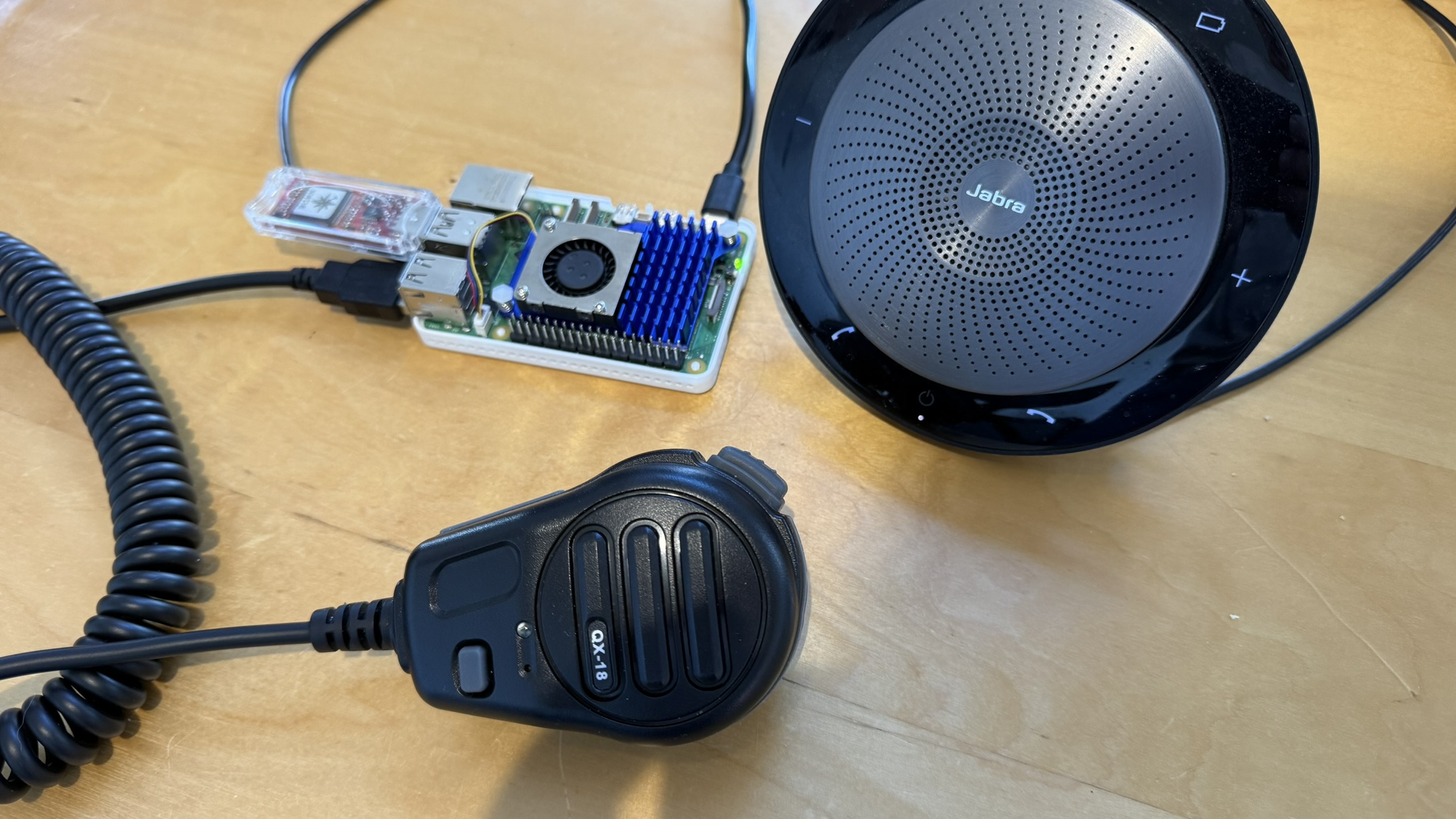
To get started, you only need a few components:
- Raspberry Pi
- AMBE Stick
- Speaker
- QX-18B microphone
That’s enough to build a working Digital Voice radio.
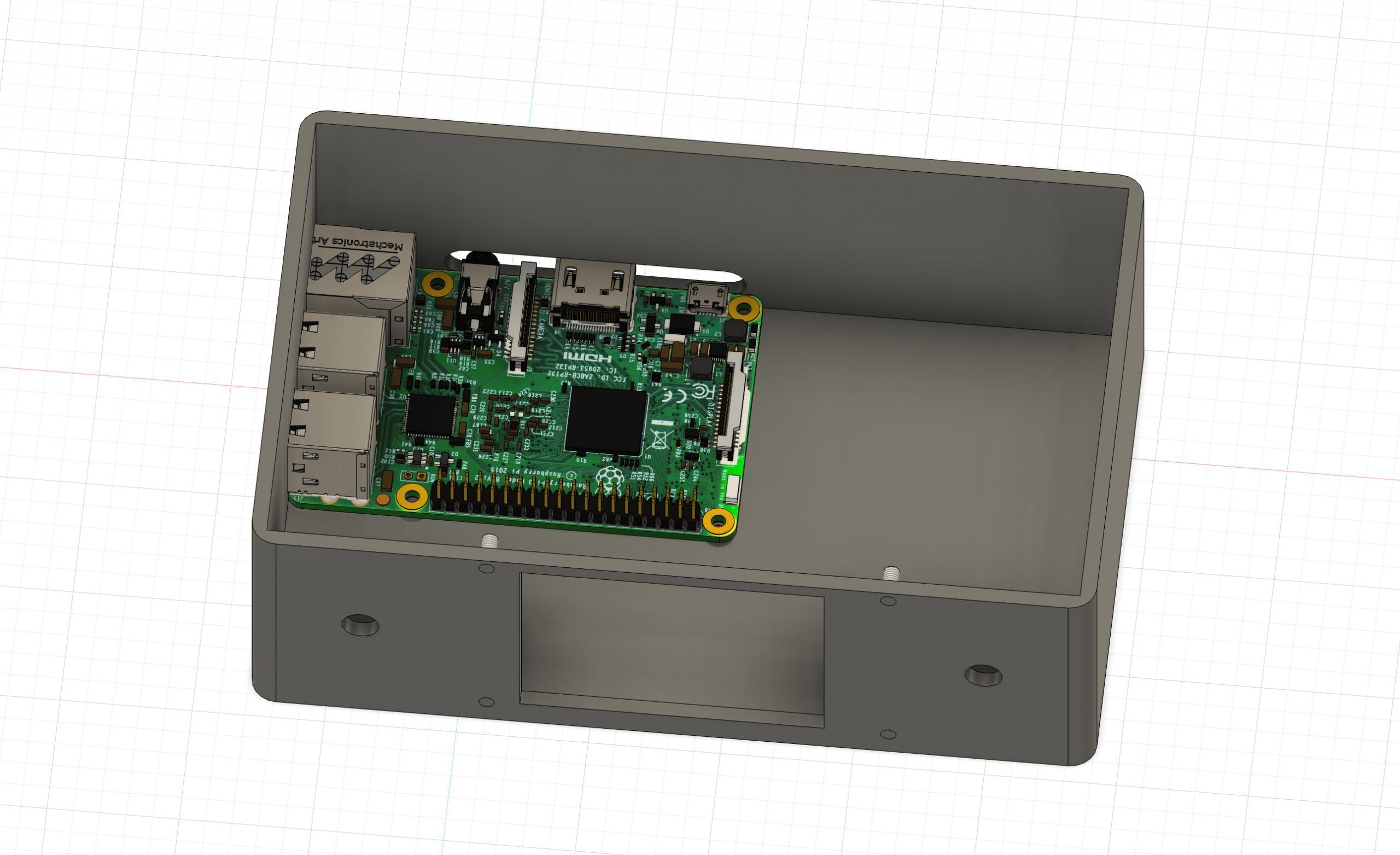
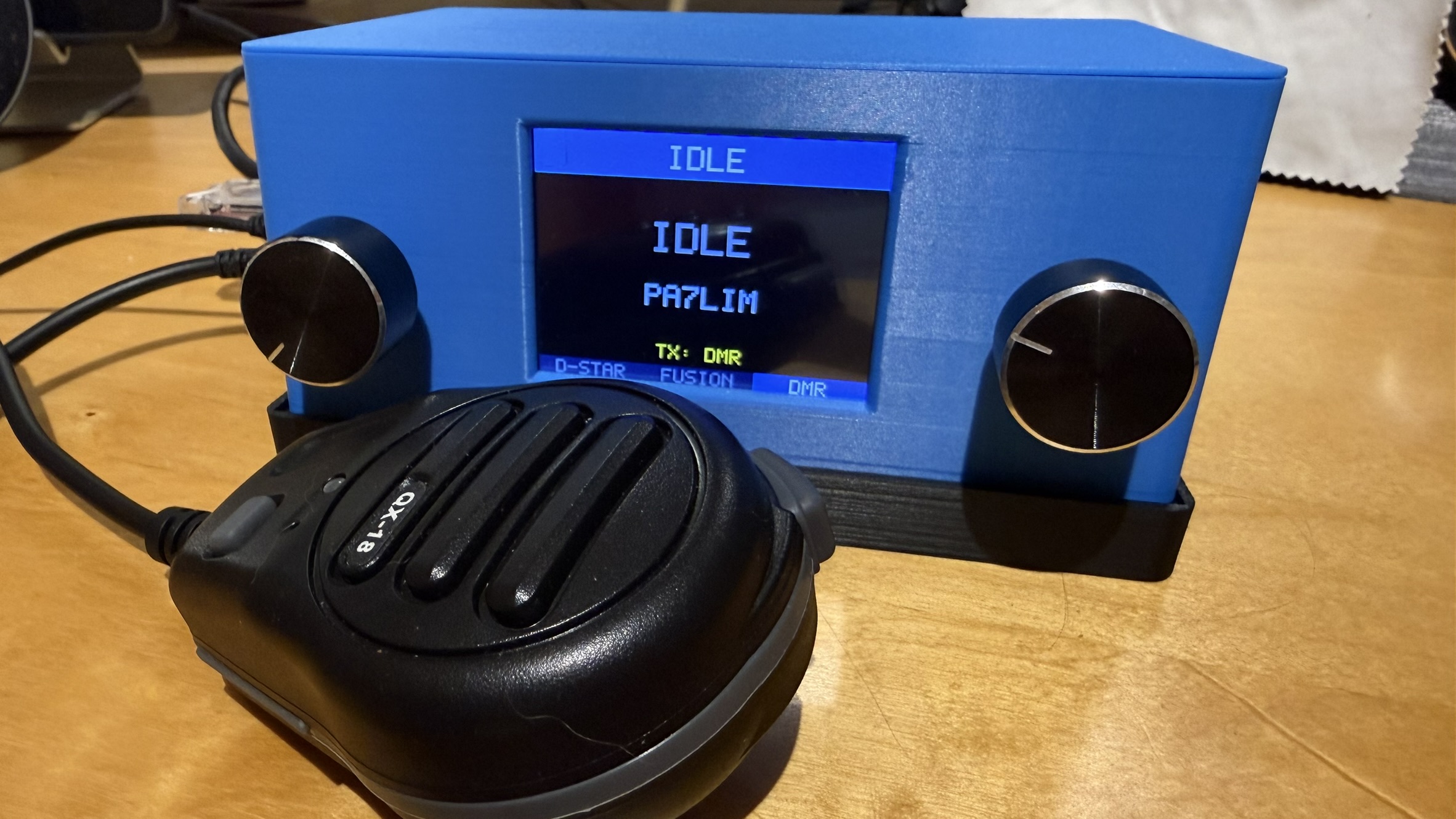
Want to take it further? Add your own housing, a TFT display, rotary knobs, buttons, or anything else you like.
What can it do:
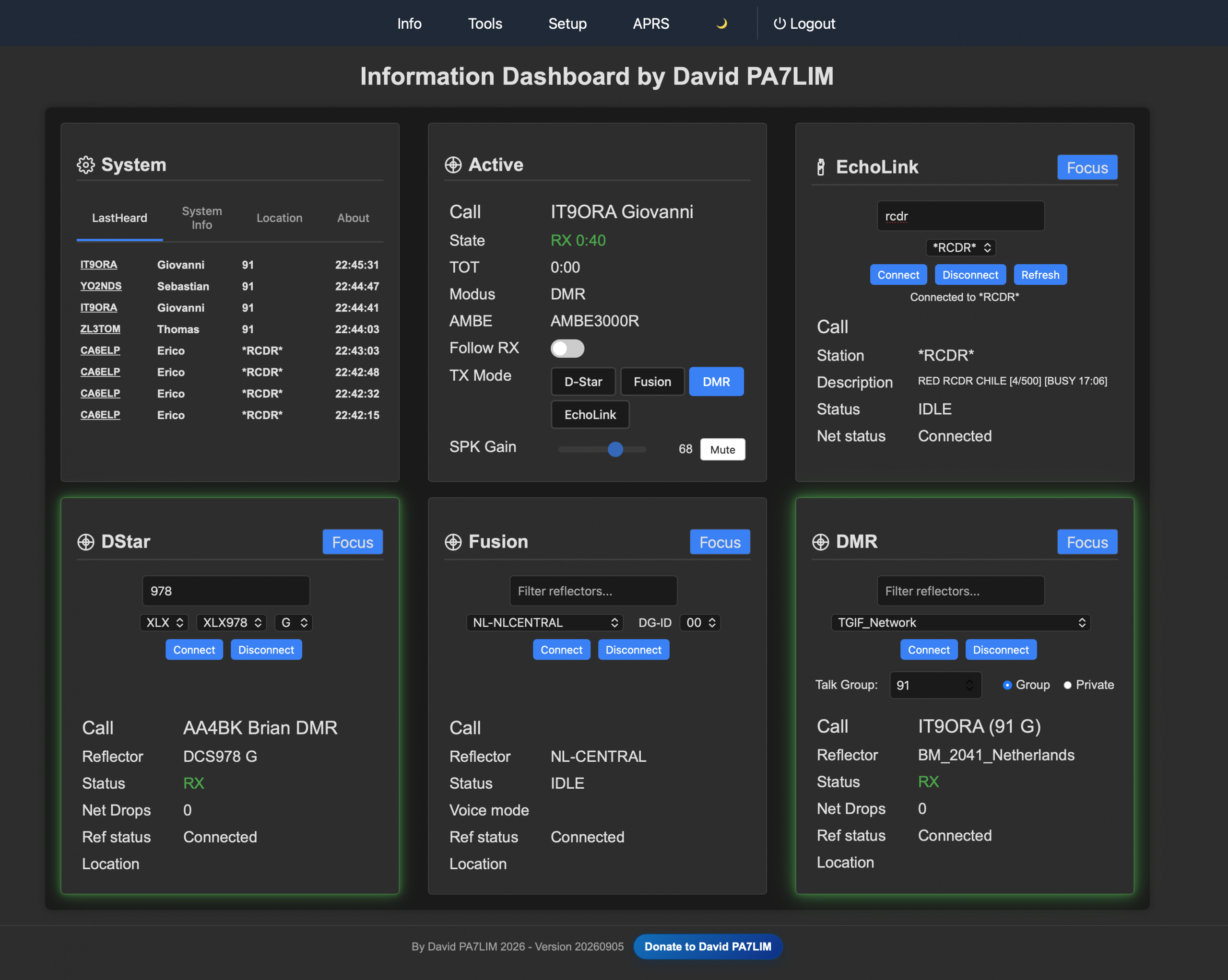
- Supports multiple DV modes simultaneously (DMR, D-Star and Fusion(DN), EchoLink)
- Easy switching(focus) between modes (DMR, D-Star and Fusion(DN), EchoLink)
- Auto scanning of DV modus
- Control the software via a webbrowser
- The software is completely free
- Perfect modulation due DVSI AMBE3000
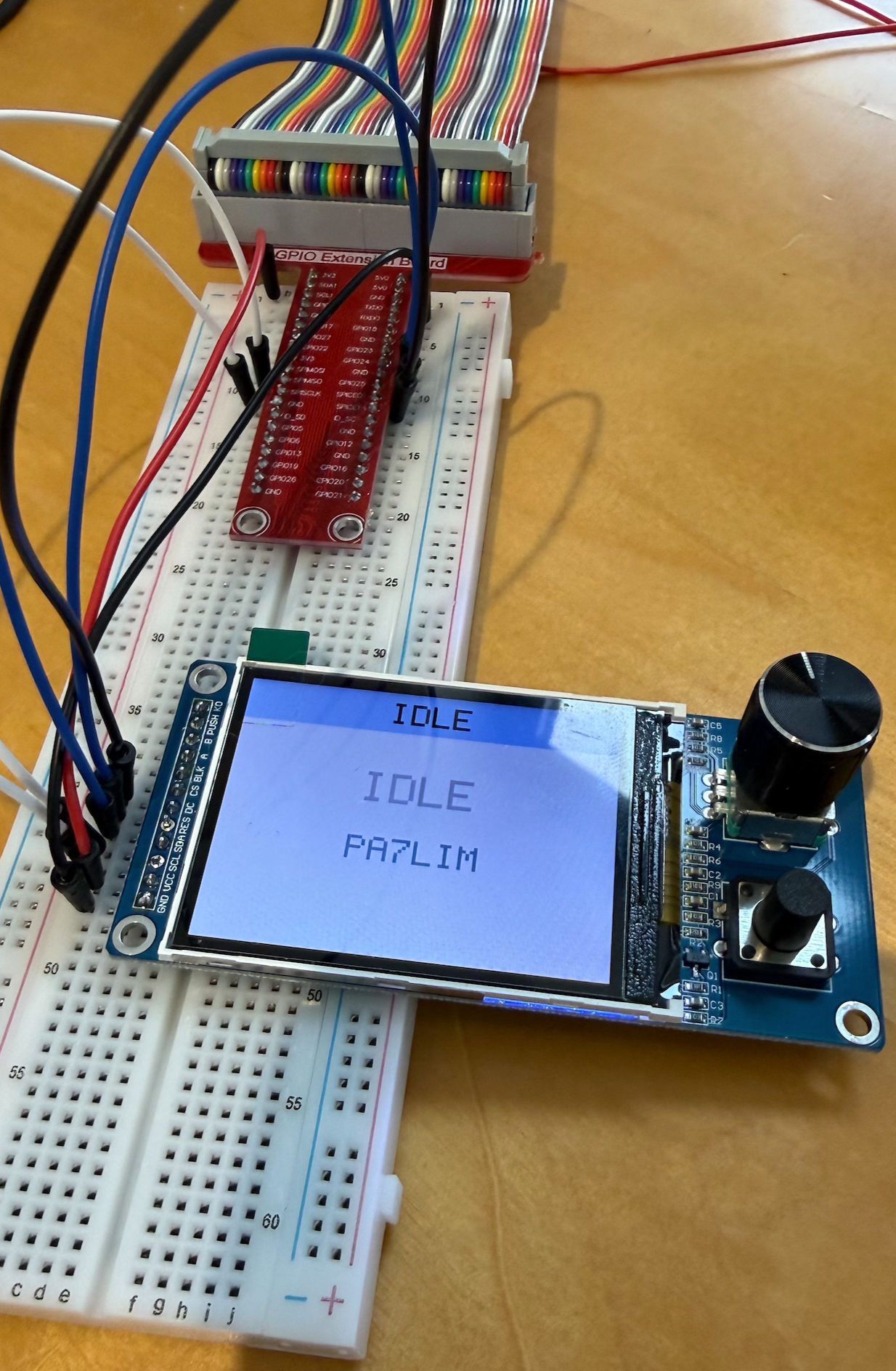
- Attach a 2.8″ SPI TFT screen to your PI ( not required )
- Rotary buttons for TX control and volume ( not required )
That is required:
- QX-18B microphone(You can also use without one, but only listening). [LINK]
- AMBE3000 USB stick (DVStick30 or ThumbDV) or via AMBEServer[LINK]
- Raspberry PI (3,4 or 5) with Debian Trixie (64Bits)
- Some knowledge of Linux to install the software.
- USB speaker ( or 3.5 mm Audio Jack on the RPI3 )
Installation instructions [LINK]
Change log and blog [LINK]
Questions en Answers [LINK]
Add screen and buttons [LINK]
Keep in mind that I am not a company, I do this in my spare time. I also have a daytime job and a family.
Greets and 73,
David PA7LIM
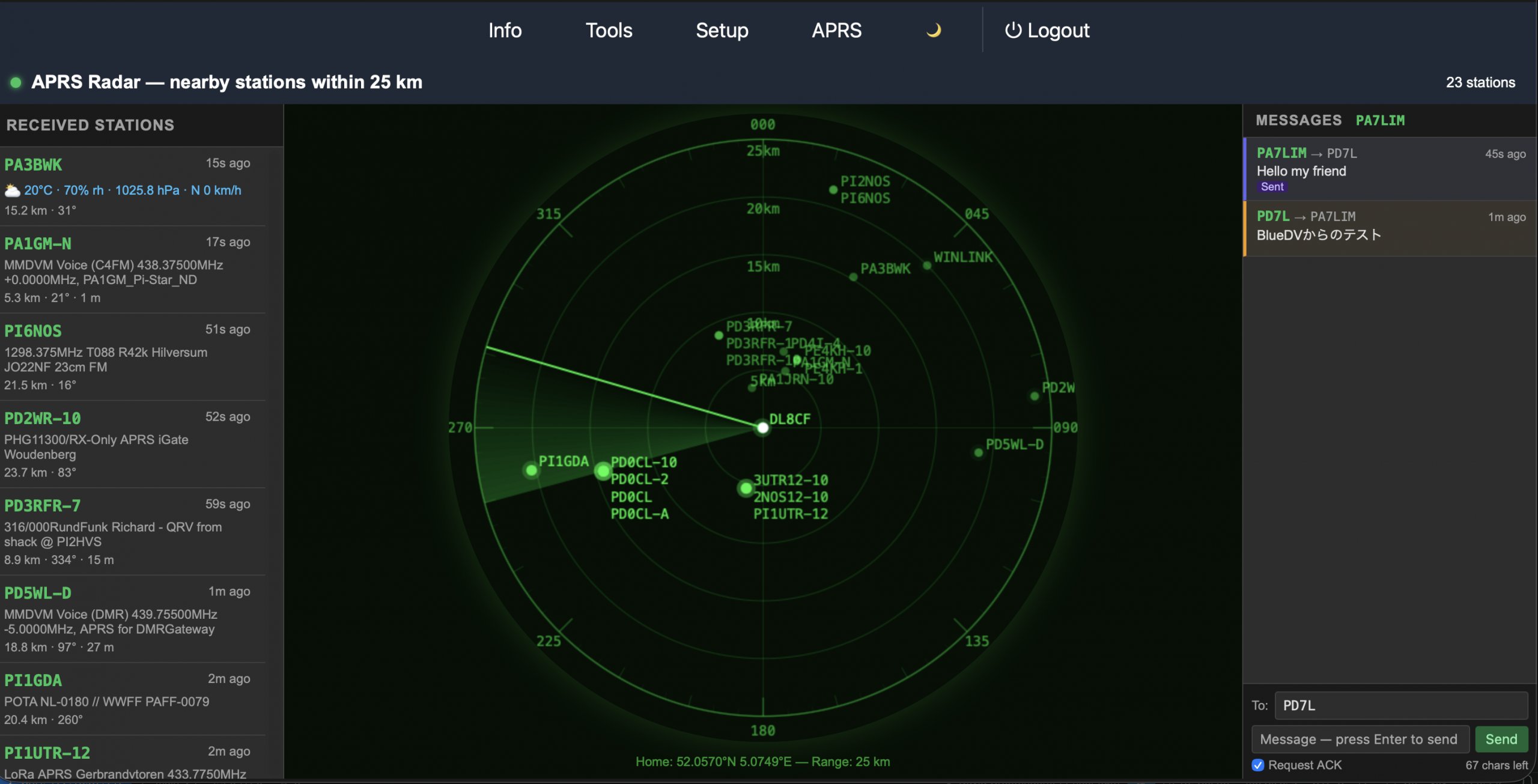
New is the APRS radar and messages. You can track all APRS stations around you.
Bonus ( Addition )
Working on hardware (it is an addition! The software also works without this screen) that is connected to the GPIO of the Raspberry Pi. I am not very handy with hardware, but as long as nothing catches fire, I enjoy building it!
The case is finished. This is an older video.