BlueDMR

BlueDMR for the Ailunce HD2 V3

BlueDMR is an Android app that connects the Ailunce HD2 to the BrandMeister DMR network using a USB connection and your Android phone or tablet’s internet connection.

I am developing this in my spare time as a hobby project. I am not selling radios or other products. I enjoy experimenting with amateur radio and writing software, and BlueDMR is part of that.

What does it do?

BlueDMR handles the connection between your HD2 and a BrandMeister master. You use the radio for talking and listening, while the Android app transfers the DMR data between the radio and the network.

The app shows:

  • Callsign and name of the station.
  • Talkgroup.
  • City and country, when available from RadioID.net.
  • Receiving and transmitting activity.
  • USB connection and DMR master status.
  • Recently heard stations and their details.

BlueDMR is intended for the Ailunce HD2. It does not turn your phone into a standalone DMR radio.

What do you need?

  • An Ailunce HD2 V3 ( not V1 or V2!! ).An Android phone or tablet with USB host support.
  • A suitable USB data cable and, if needed, a USB OTG adapter.
  • An internet connection.Your registered DMR ID.
  • The Hotspot Security password configured for that DMR ID in BrandMeister SelfCare.

The Hotspot Security password is separate from your BrandMeister website login password.

Getting started

BlueDMR is currently available as a beta through Google Play:

Op the following link on your Android device. https://play.google.com/store/apps/details?id=com.pa7lim.bluedmr

The app is still being developed, so you may encounter bugs or things that need improving. Feedback about what works—and what does not—is welcome. When reporting a problem, please include your Android version, HD2 firmware version and a short description of what happened. Please do not send passwords.

This is a project I work on for fun, as time allows. There is no fixed development schedule.
BleuDV with Aillunce DMR terminal mode

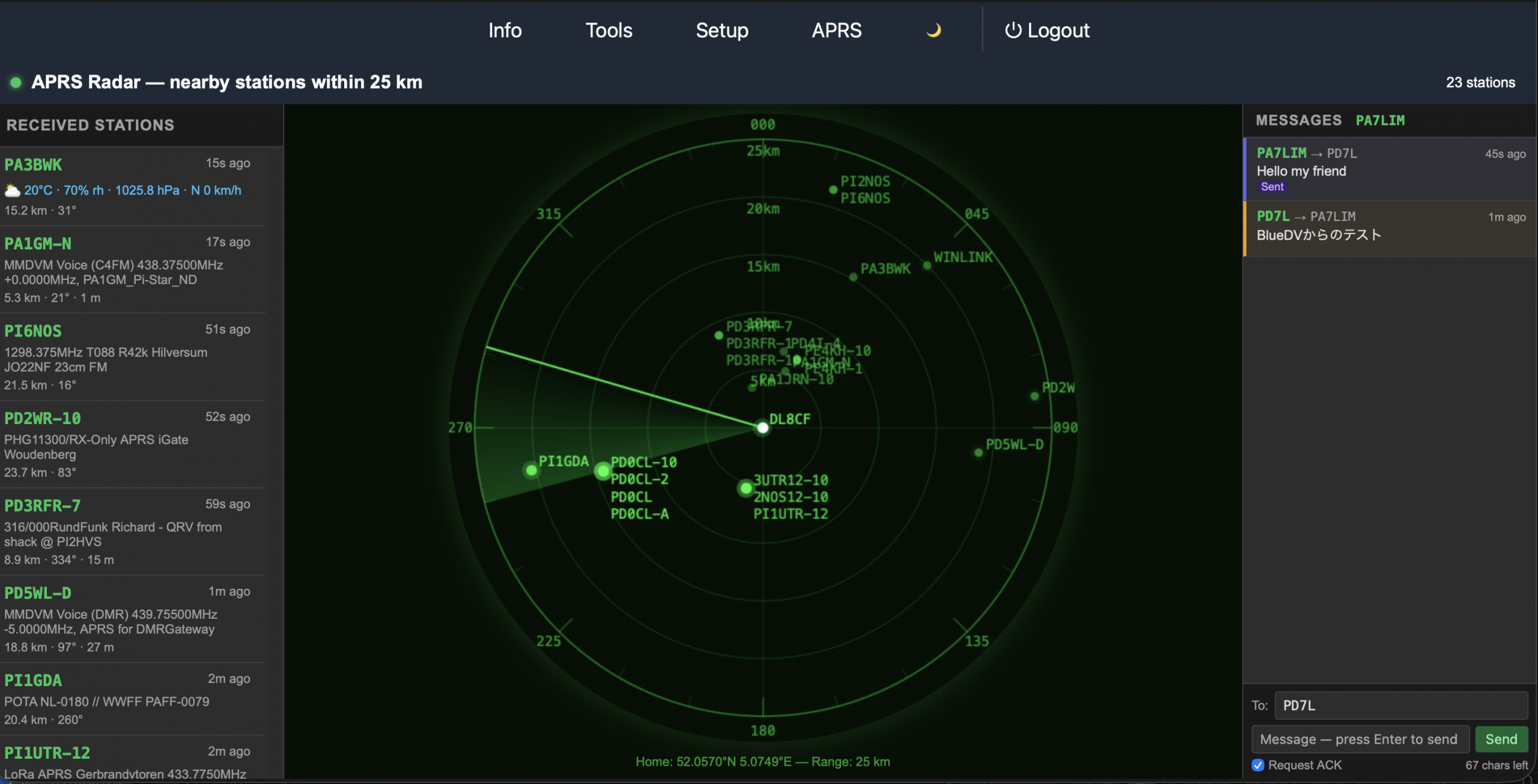
Added APRS radar and message to BlueDV Radio

Working on new project

Working on a new Garage project.

BlueDV DV Radio

Doozy for Android is available

I’ve just published the first experimental version of my new Android app Doozy 🎉

It’s still in the early stages, so expect some rough edges — but that’s part of the fun!

Perfect if you’re looking for something to experiment with this weekend.

https://www.pa7lim.nl/doozy-android/

Have fun and a nice weekend,
David PA7LIM

doozy-android

UPDATE: This software will be soon available as a test version.

With Doozy for Android, you can make QSOs using your Android phone over D-STAR (DEXTRA, DCS, and XLX), without the need for a hotspot. Simply connect your ICOM ID-52Plus to your Android device via Bluetooth and link up with your favorite D-STAR reflector or repeater.

Note: DPLUS (REF) is not supported, as I am blocked on all DPLUS reflectors. Because of this, I see no reason to implement support for that protocol.

Needed:

  • Android phone with Android version 10+
  • ICOM ID-52Plus

Instruction to pair your radio to your phone:

  • Connect from your Android phone to your ICOM ID-52Plus
  • Start Doozy for Android and switch to OFF/ON button to ON
  • Within a few seconds, you will see the message, Device connected on your Android device

Experimenting with ICOM ID-52 Plus and Android

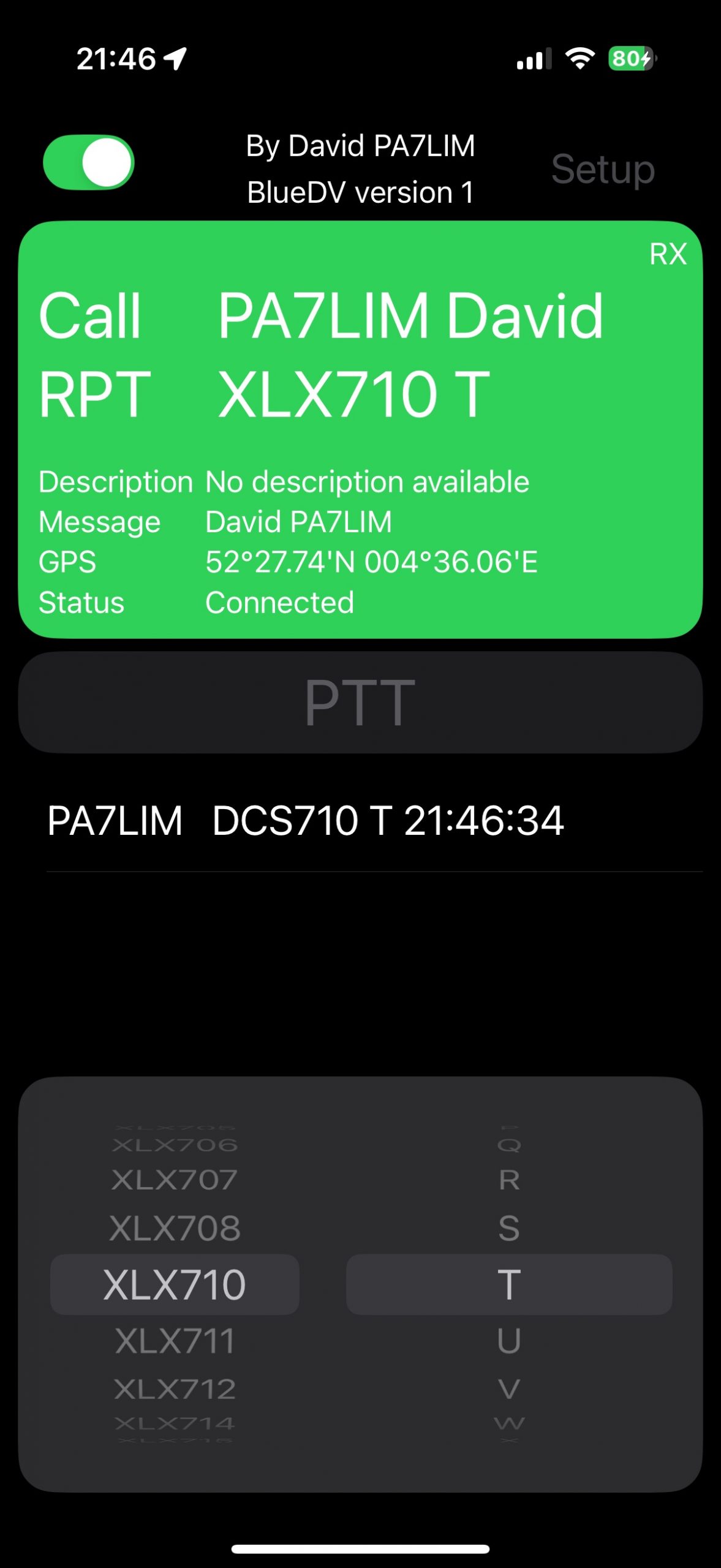
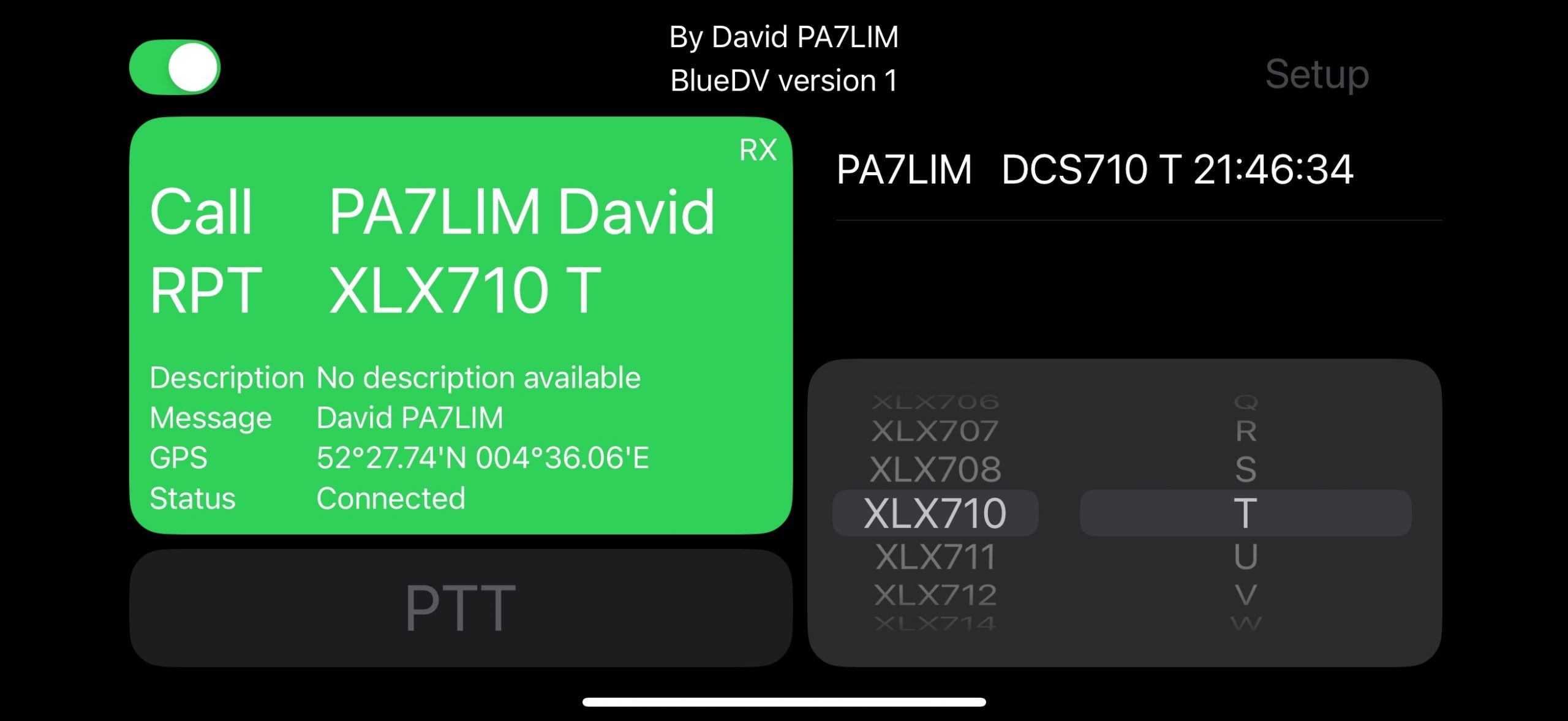
Experimenting with BlueDV for IOS and Inrico

The software is not available for download! I’m just experimenting.

Experimenting with my iPhone (BlueDV with AMBE)

Not for download!

It’s working very well, but there are still some improvements to be made, such as adding connect and disconnect buttons. Currently, it only works with an AMBEServer, but next week I will explore the possibility of using a serial connection with the AMBE3000. I also plan to experiment with external PTT buttons.

Right now, only XLX is supported. I have no need to add DPLUS (REF) since I am blocked on all REF reflectors, making this outdated protocol unnecessary for me.

Screenshot
Screenshot

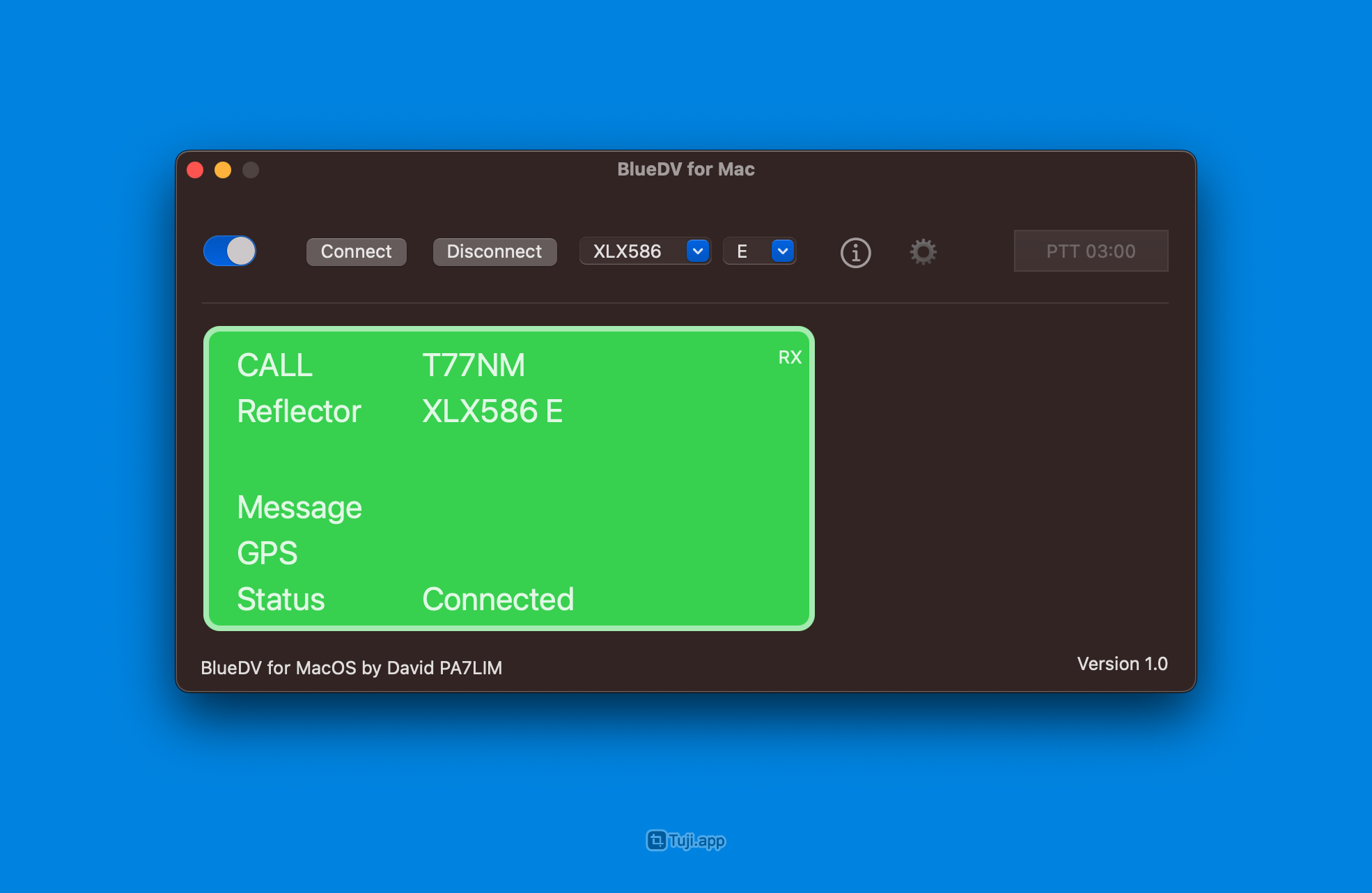
Playing with my Mac again

Not for download!!